Sixteen minutes, one story: the hall is installed, the team signs in, agents and tools connect, and three incidents run from alert to a verified fix, with every act on the record. The left screen is RelayHall itself; the right screen is the work around it.
narrationother languages: machine-translated, AI voice · picture and captions stay in English
16 min · narrated · captions available
What is real. Every left-screen shot is the RelayHall public beta on a demonstration install, recorded through its own API: tasks, playbooks, reviews, grants, the audit log and the Map are the product as it ships.
What is illustrative. The right screen shows mock-ups of the tools around the hall (ServiceNow, AWX, GitHub, Grafana, Teams, Slack, VS Code). Northwind, its people, hosts and incidents are invented. The RelayBrain views are illustrations, and the Teams gateway shown is an ordinary connector, not the designed switchboard.
Six stations inside, five extensions outside, and one rule under all of it: authority travels in the pull. Every analogy below sits beside the real name of the thing, so what you read here is what you will find in the product.
01principals and credentials
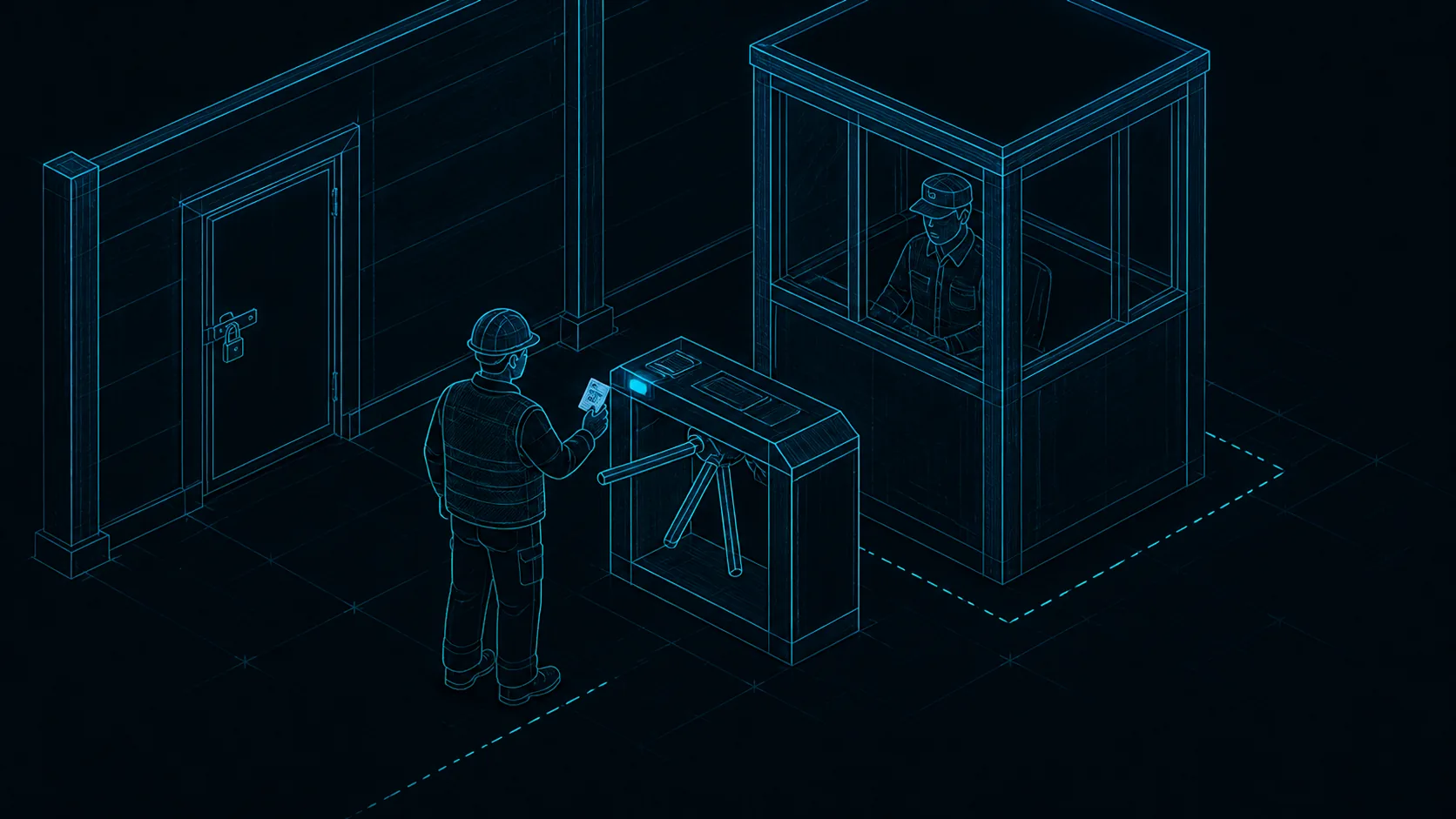
The gate
Every person, service, and agent is a principal with its own scoped rh_ credential. The server decides who you are from that credential — never from a name the caller writes into the request — and if a route’s permission is unmapped it falls back to owner-only rather than open.
Revocation is honoured on the very next call: tokens are looked up on every request.
Standard OIDC single sign-on works at the gate, with an authentik-tested reference; SCIM provisioning of users and groups ships with it.
Interactive clients get an OAuth 2.1 door: authorization-code grant, PKCE required, no client secrets.
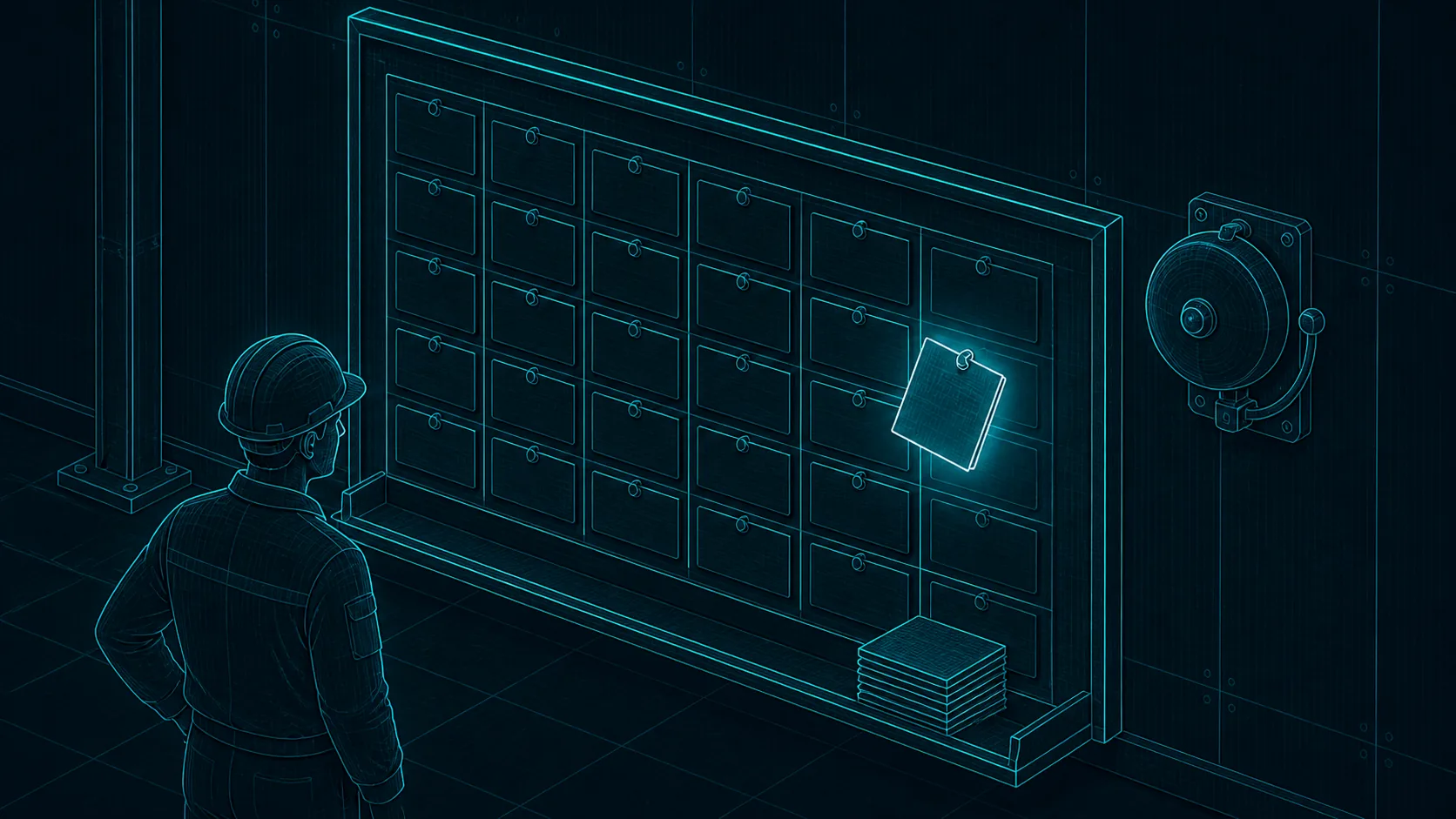
Work is addressed, announced, and pulled — never pushed. A task carries subtasks, dependencies, references, an explicit review lifecycle, and a claim-and-lease protocol so a card can only be claimed once at a time.
The Brief compiles everything a worker needs — charter, personality, skills, context — scoped to their grants, on demand.
The doorbell carries an identifier and nothing else; substance flows only when the worker authenticates and asks.
Lease expiry surfaces as a stuck task, so nothing silently disappears into a dead session.
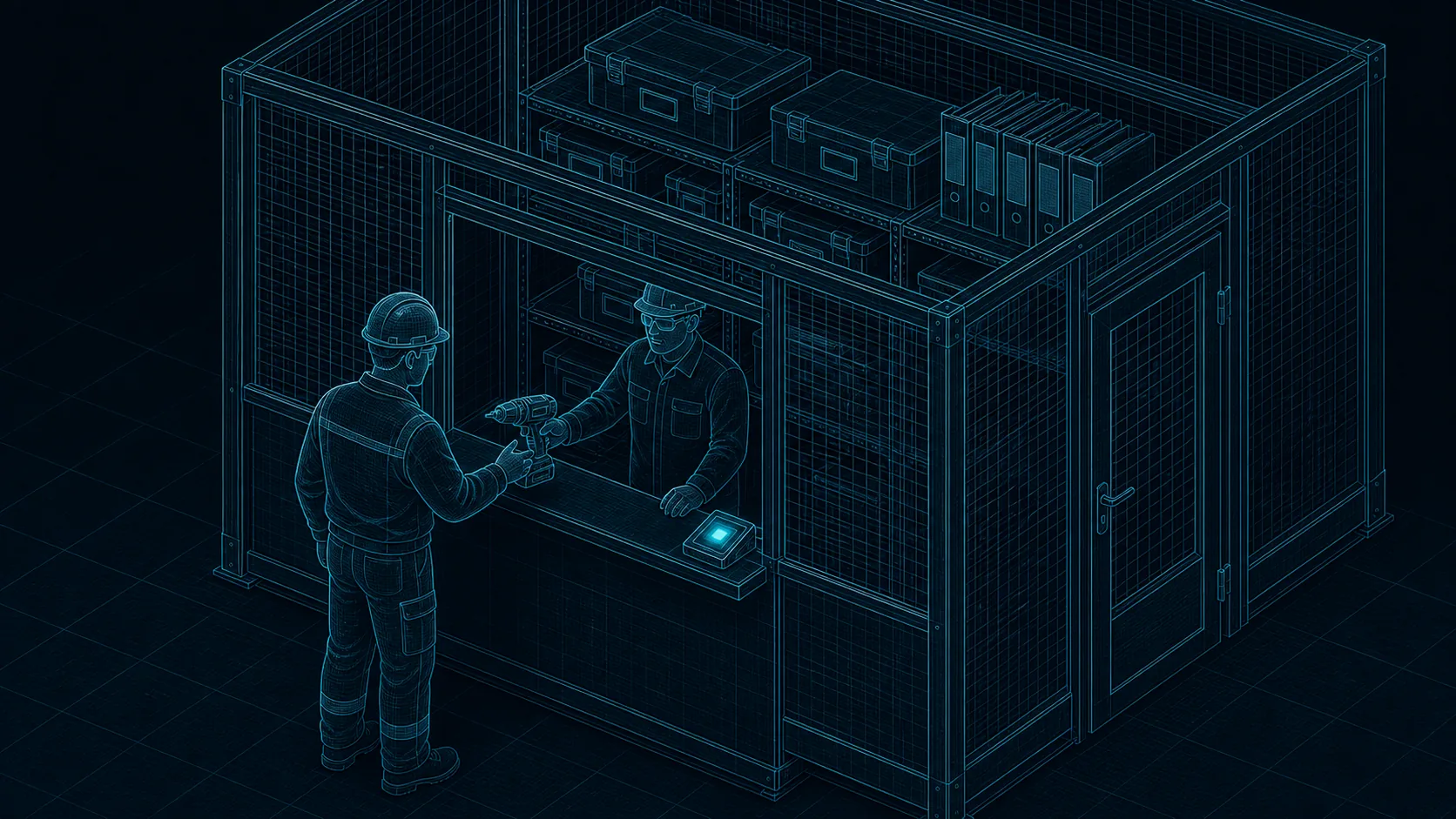
Two walls, one attendant. Skills are the instructions your agents load — how to use your vault CLI, your GPU box, your backup tooling. Services are the connectors and specialist agents you can hand a task to; the tools they declare are registry data today, and the callable tool surface lands in a later phase. Both walls are curated, versioned, and offered to a named audience.
Immutable versions with consumer pinning — a skill does not change under the agent using it.
Provenance recorded per version: human-written, imported, or agent-drafted, and by whom.
Review-gated before broad audiences; skill and report text is always treated as untrusted content in an LLM context.
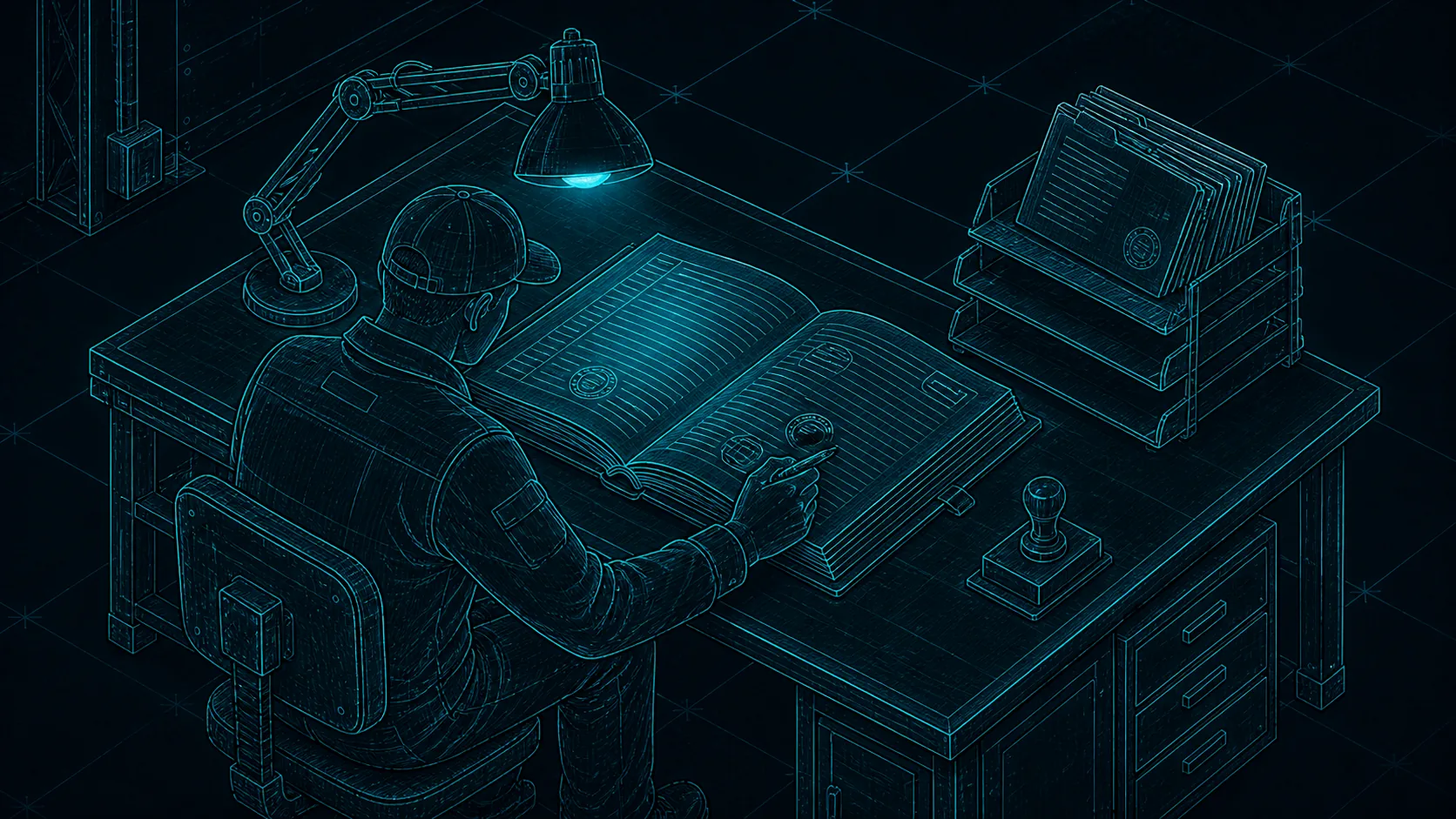
Substance goes into Reports; board text stays brief and points at them. A report is the handover medium between sessions, harnesses, and people — durable, attributed, archivable, and linked to the tasks it evidences.
Any principal that arrives gets the working context its grants allow — anyone picks up where anyone left off.
Reports carry evidence for review: what was done, under which credential, with what proof.
Structured handover fields keep the rationale, not just the output.
Nobody stamps their own work. The claimant and the verifier are different principals by rule, review is an explicit lifecycle state, and owner-gated actions stay blocked until a human approves.
A deterministic review preflight checks board-resident criteria, reports, and metadata before a human looks.
Deeper verification runs outside the hall — a browser, a vault, a checkout — and files its evidence back as a report.
Owner-plane and credential actions land in the append-only audit ledger; task activity lands in the task stream.
06sessions, stats, and the map
The foreman's window
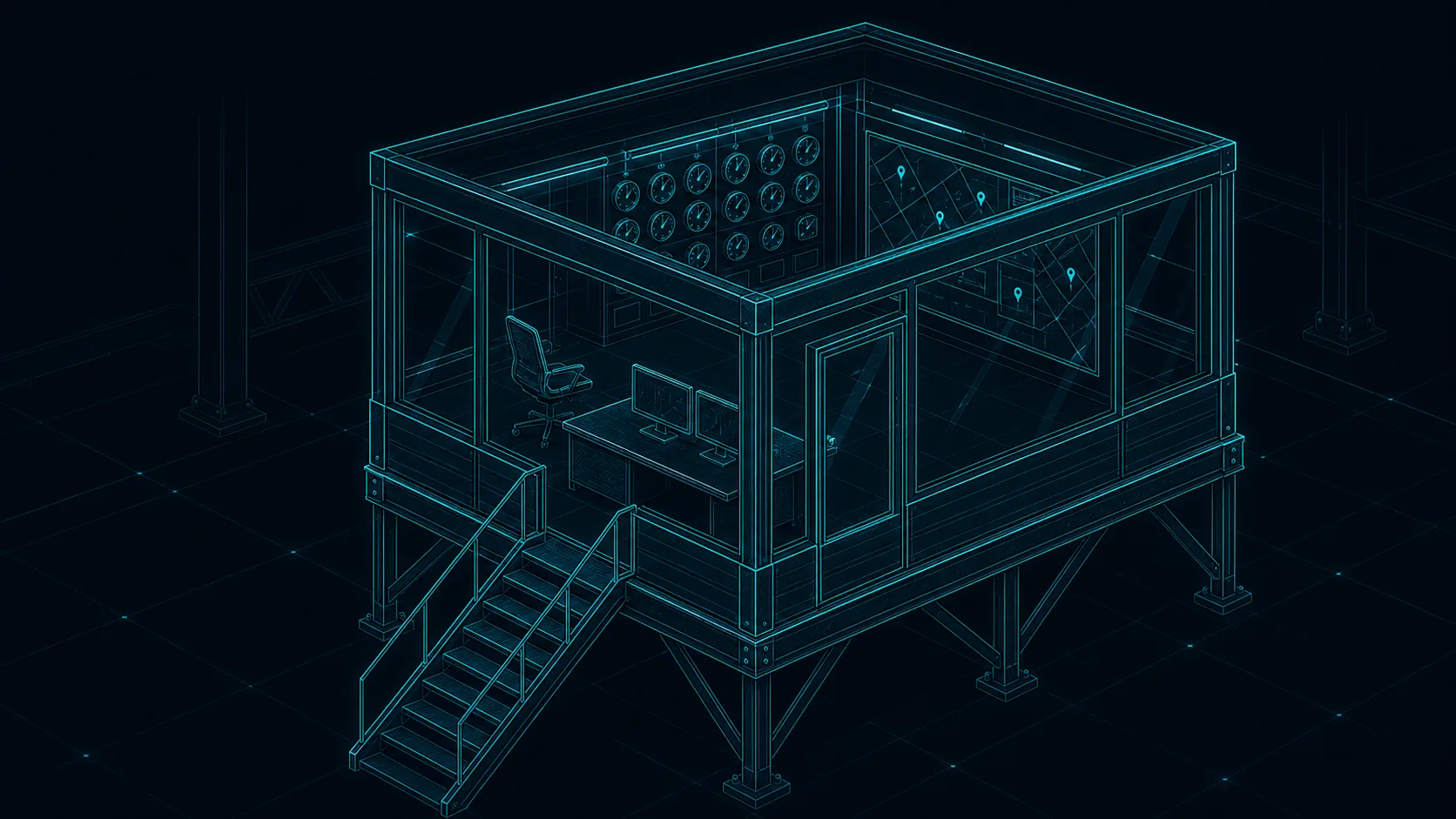
The window overlooks the floor and never operates a machine. Presence, telemetry, and the Map are display, not authority — the hall shows what is planned, active, stuck, and verified without reaching into any runtime.
Sessions and Stats stay honestly empty until a reporter outpost beside your harness pushes bounded telemetry in.
The Map is a read-only navigator of tasks, phases, projects, and the reports that link them.
Core never mounts a workspace, transcript, or harness configuration.
The hall ships with these hookups already in the plan. A small shed needs none of them; a plant uses them all. Each row says honestly what exists today.
Security gate
shipped
sso (oidc) and directory sync
A shed needs no gatehouse: local accounts and per-principal credentials are built in. When the hall grows, connect it over standard OIDC to the identity provider your organization already runs — Entra ID, Okta, Keycloak, authentik, or the Active Directory or LDAP behind one of them. Directory sync over SCIM, users and groups, ships with it. Provider configuration stays in your deployment, never in the repository.
Production lines
reference runner
reference runner and connectors
A companion runner repository shows the pattern: a webhook or poll wakes your worker, it badges in with its own credential, pulls the Brief, runs in its own sandbox, and reports back.
The broker foundation provides configuration, outbound policy, signing and sealed handles. Federated fan-out queries, coverage records and the hall as a source remain planned. Engines and ingestion are satellites you attach; the design keeps documents outside the hall.
A centrally hosted agent runtime — Hermes, or any harness on a VM you control — answers in Teams, Slack or Discord through a gateway: a Service that speaks for people. Every person links their chat identity to a hall Account once, every message arrives platform-signed and is verified in core, and every answer is capped by the room it is printed in. Chat can read and file job cards; it can never operate infrastructure.
Claude Code, Codex CLI, Gemini CLI, n8n, an Ansible runner — the benches are wherever your people and machines already work. They bring their own truck; the hall issues the badge.
RelayHall is harness-agnostic in the sense that every client speaks the same authenticated surface. What a client can then do depends on what it is — so we publish the tiers instead of implying parity.
A tier says how a client is reached and what it can do once it arrives — never how much authority it holds. That is settled by its grants, evaluated centrally, identically for all three.
tier
named clients
authenticates with
can
today
Tier A — full loop
Claude Code, Codex CLI, Gemini CLI
principal credential (Bearer)
bootstrap, claim and lease, report, woken by the board
available
Tier B — interactive board clients
ChatGPT developer mode, Antigravity
OAuth 2.1 (PKCE, Client ID Metadata Document)
real MCP read/write, human-driven, no shell or scheduler
available
Tier C — webhook automations
n8n and kin
principal credential (Bearer)
signed ID-only deliveries, cursor-ordered feed, poll mode
available
A fourth kind of caller is designed, not a tier: a gateway that carries people’s messages in from Teams, Slack or Discord under verified attestation. It never executes anything and has a page of its own.